01
Scan the pile
Point the phone at the stack. The scanner finds the edges, straightens each page and keeps going until the pile is done. On a desk without a camera, import the scans or a PDF instead.
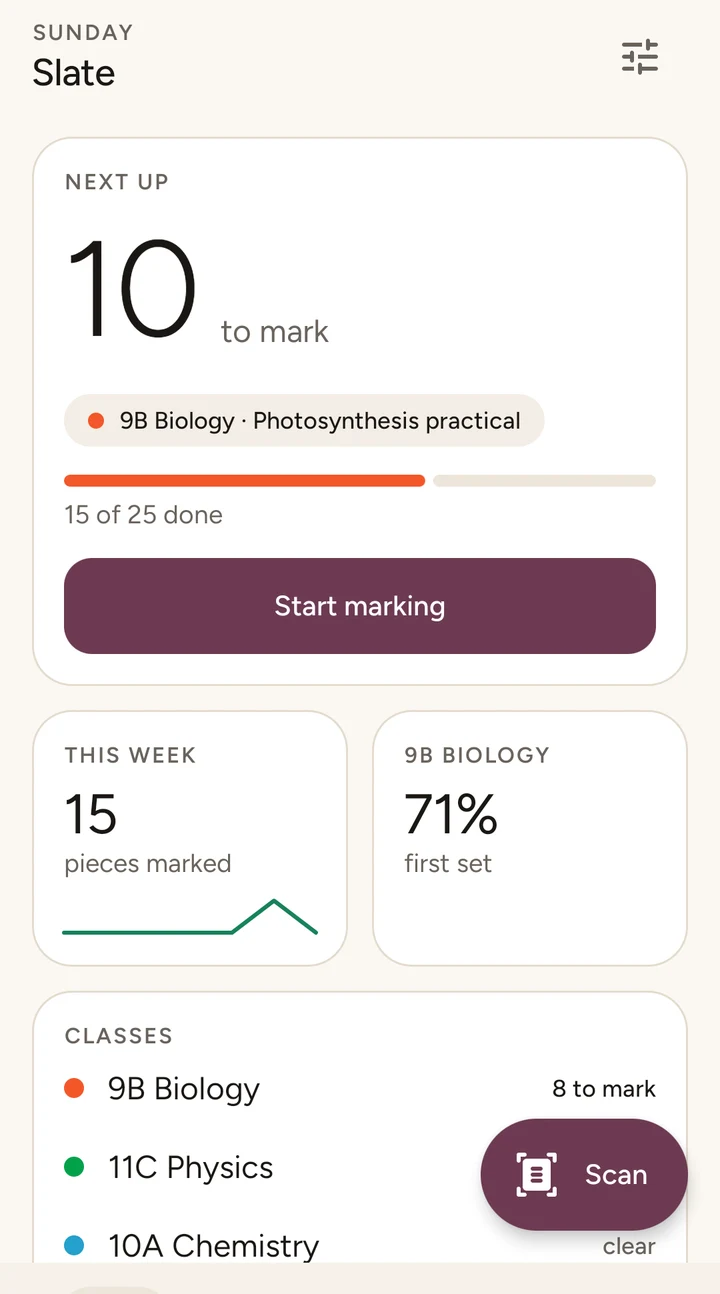
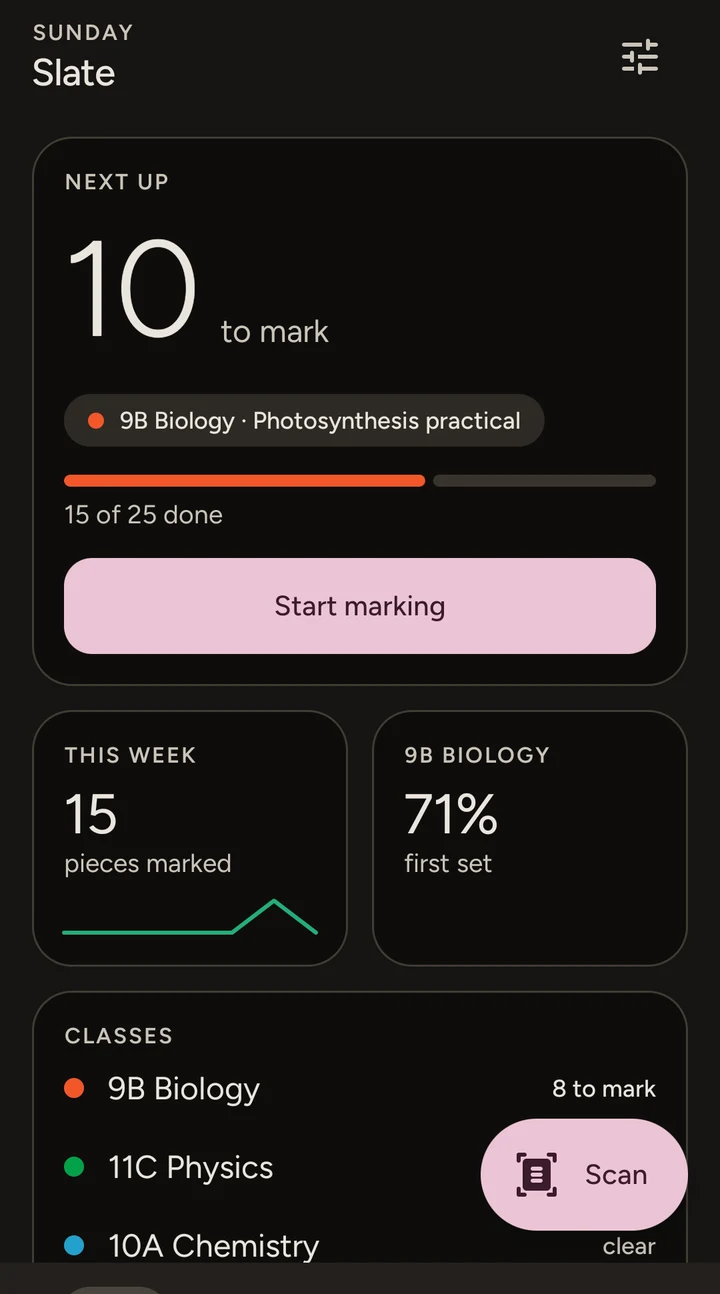
Next up
10to mark
15 of 25 done
10:24
For teachers who mark on paper
Photograph the pile, mark each page, send feedback home. No account, no server, and AI only if you bring your own key.
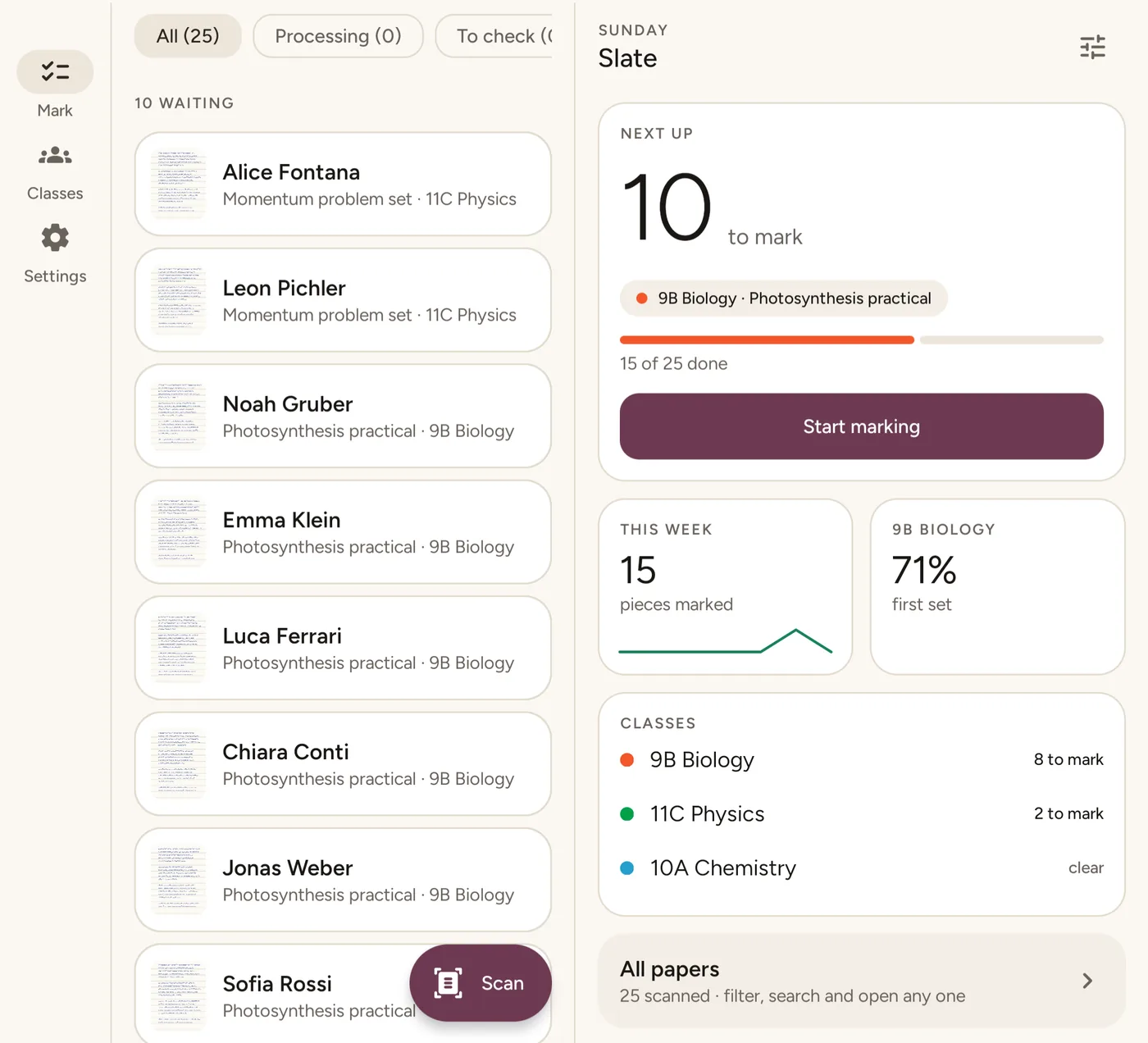
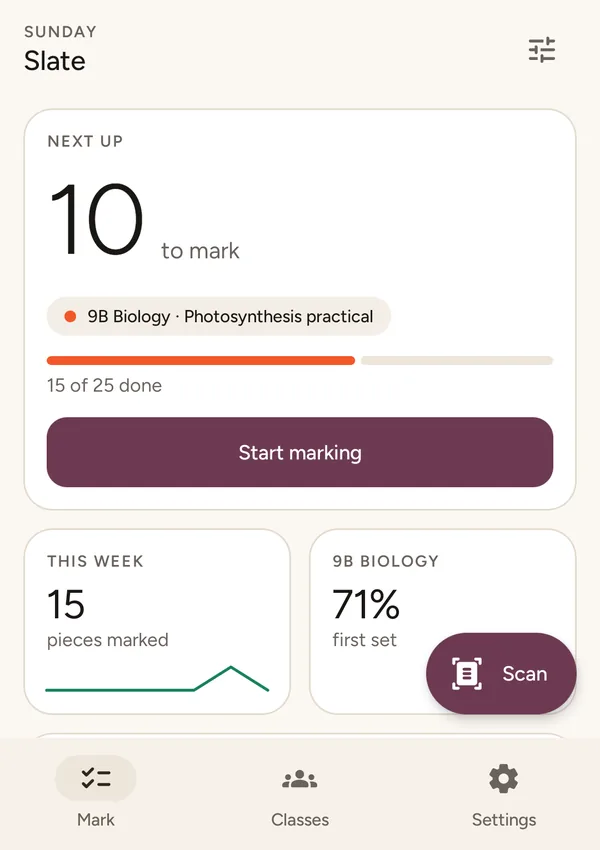
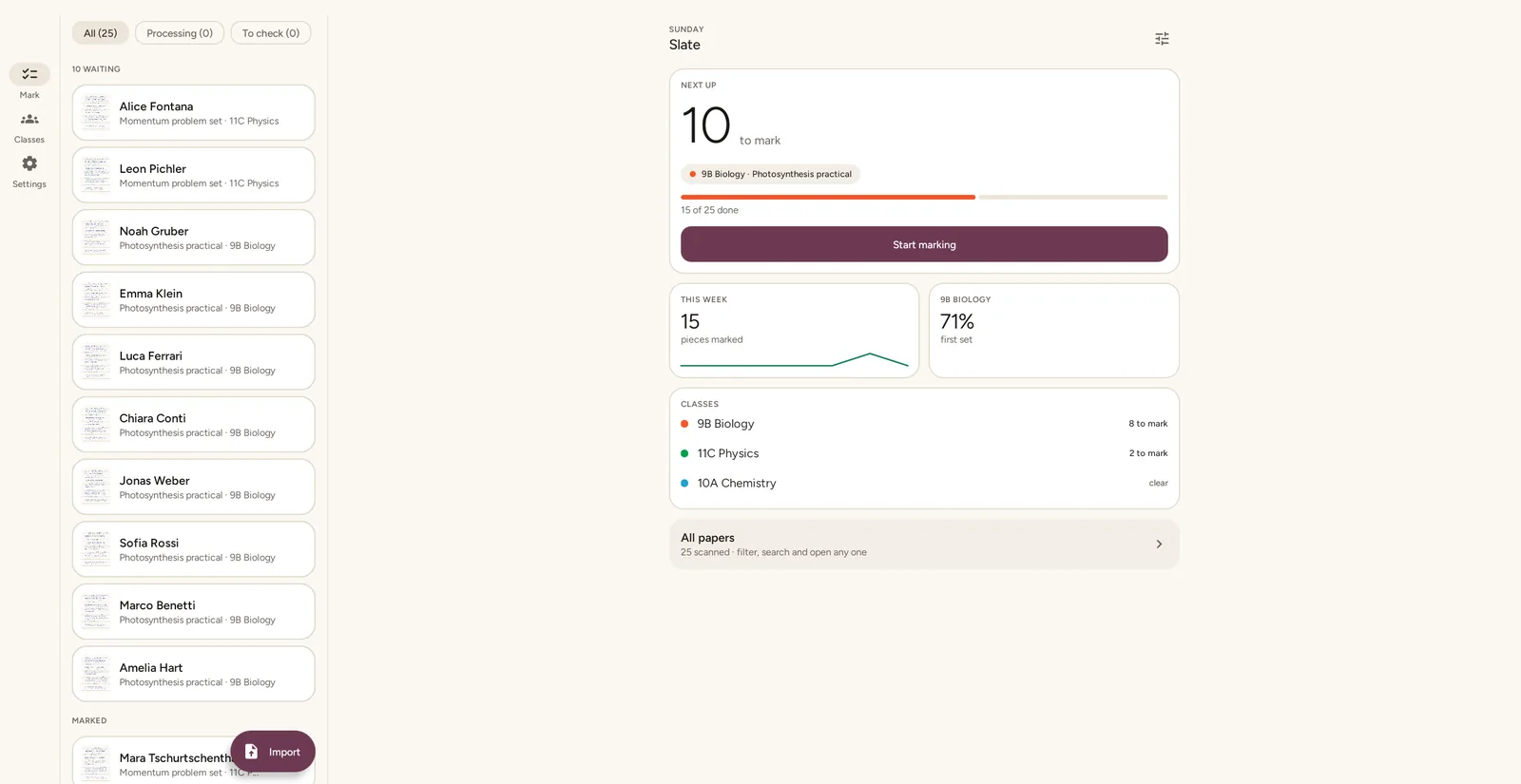
Opens to what matters now. Tap Start marking to try it.
How it works
The same three steps on every device. A phone in the staffroom, a tablet at the desk, a laptop at home.
01
Point the phone at the stack. The scanner finds the edges, straightens each page and keeps going until the pile is done. On a desk without a camera, import the scans or a PDF instead.
Next up
15 of 25 done
02
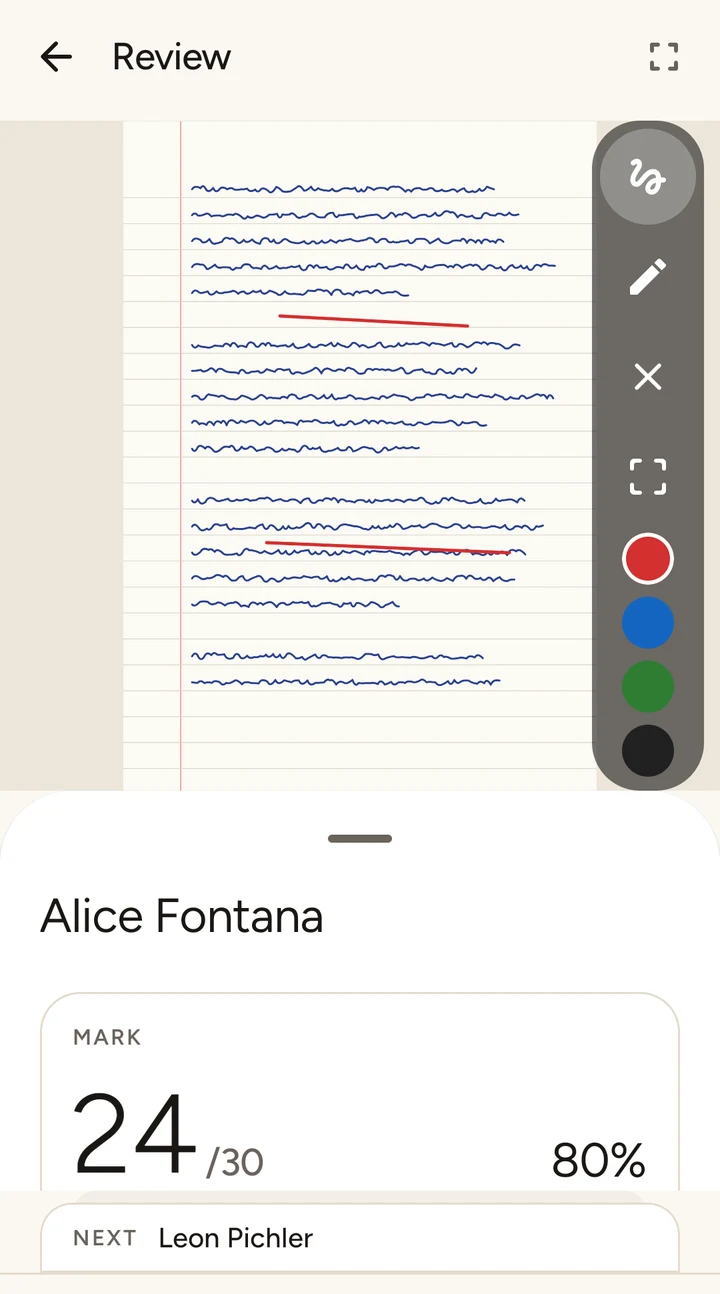
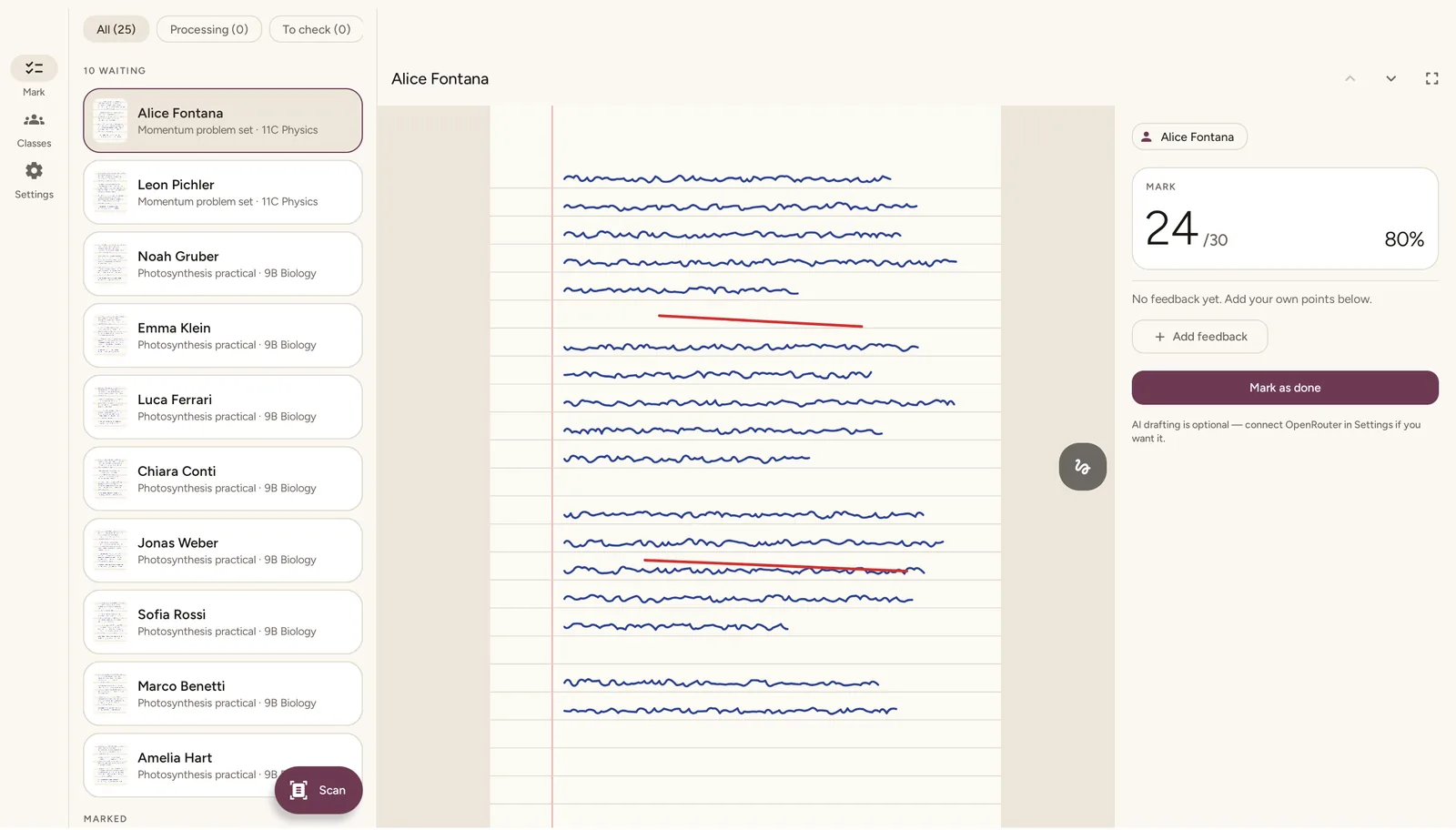
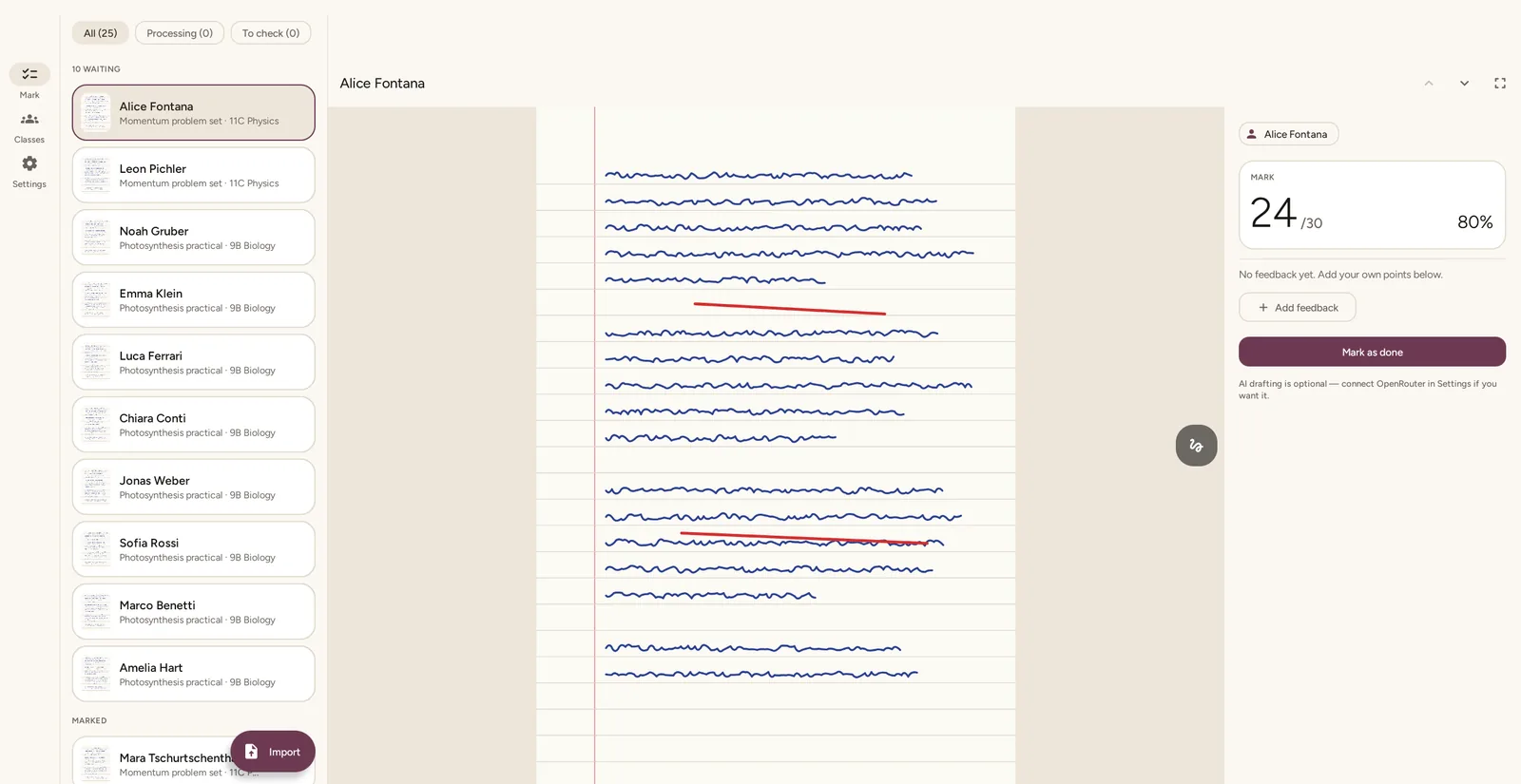
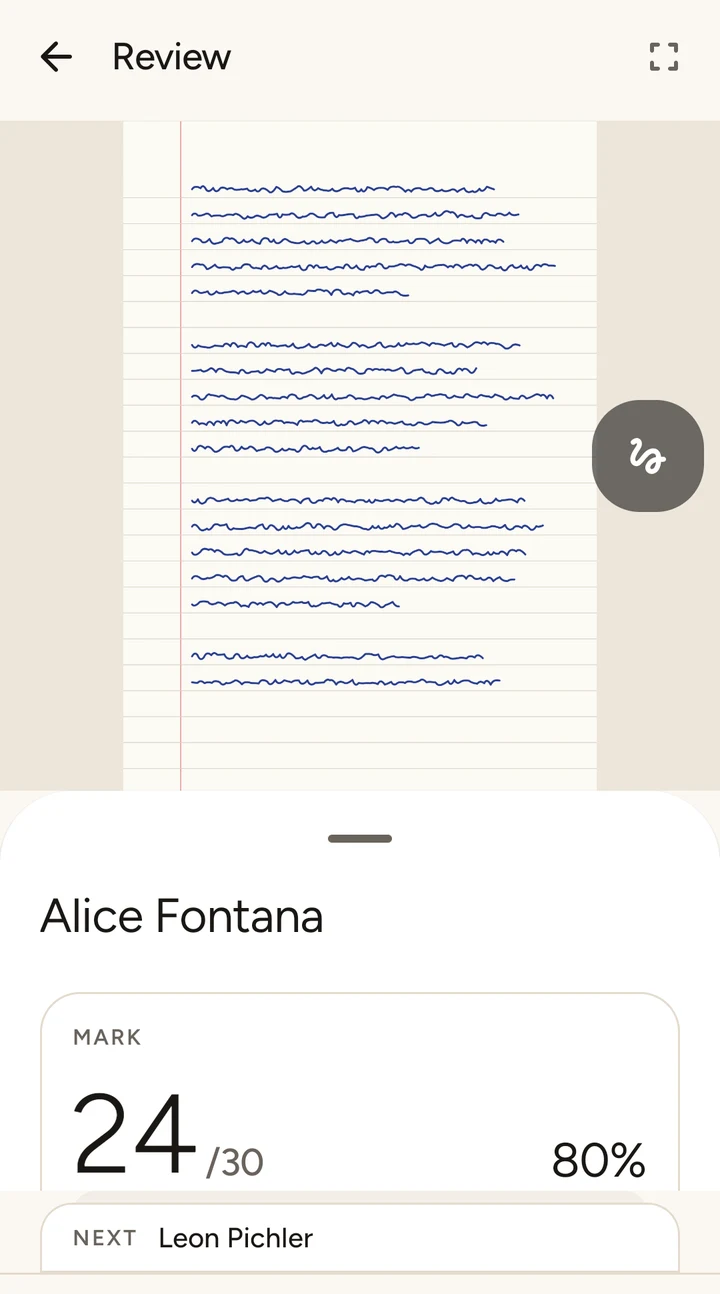
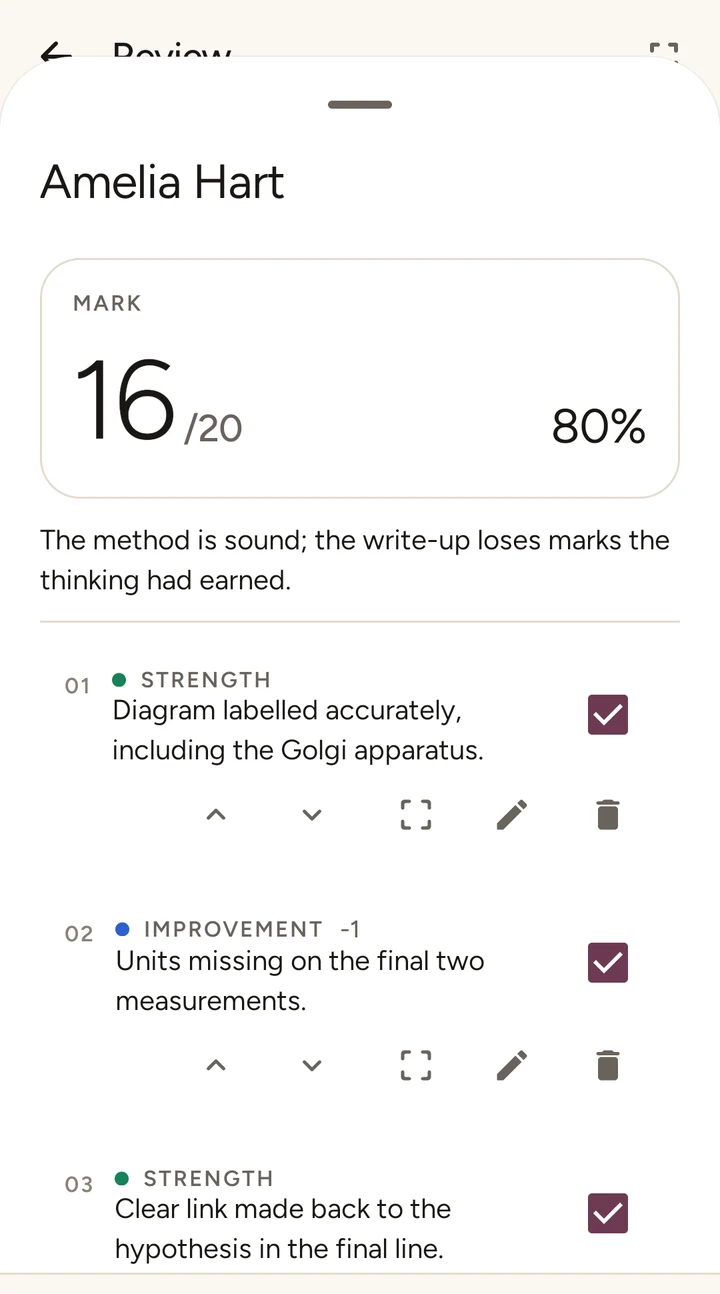
A score on any scale, comments of your own types, ink straight onto the page. Attach marks to individual points and the total becomes the score. Skip and Save-and-next move you through the stack.
Mark
Diagram labelled accurately, including the Golgi apparatus.
03
One PDF per piece of work, with the score and the comments, shared the way you share anything else. Nothing goes through a server to get there.
Private by design
A teacher photographing pupils' work is making a data decision before a workflow decision. Slate's answer to "where do these photos go?" is: nowhere.
No account
Open it and mark. There is nothing to sign up for, so there is nothing to leak.
No server
Slate has no backend. Photos, marks and comments live in the app's own storage on the device.
Your own key
AI is optional and runs through an OpenRouter account you own. You see the model, you see the bill.
Nothing leaves unless you send it
A PDF goes home when you share it. A backup is a file you export. A page reaches an AI model only when you ask. That is the whole list.
The only path there is
Without a key, nothing goes anywhere. With one, a page or your own comments go to the provider you picked, under your account, and the text comes back for you to decide on. Slate never sits in the middle.
Your phone
photos, marks, comments
a page, to the model you chose
nothing
No serverYour AI provider
there is noneyour account, your bill
What it does
Not a camera app with a grade field. Slate knows what a pile is, what a class is, and what a teacher actually says on a script.
Open to what matters now
Papers waiting, papers to check, or a clear desk. The home screen picks what to show from your own data. Every cell goes somewhere.
Classes
This week
Tap it and the marked papers open, most recent first.
Any scale
14/20
Points out of maximum
Points, percentages, letters, or your own bands. Every class can differ.
Feedback
Numbered, filed under types you name yourself, each one quoting the line it is about. Reorder them into the order you would say them. Approve, edit or delete anything before it counts.
By hand
Ink and highlighter straight onto the page, in your own hand.
A class
6 of 8 marked
Average, spread, what you commented on, and every paper behind a number.
Optional AI
Connect your own OpenRouter account and a model can write out hard handwriting, reword the comments you approved, turn them into a note for parents and check your own marks for consistency. It never gives a pupil a mark. You pick the model and pay the provider directly; without a key, Slate is a complete markbook on its own.
1Make a free OpenRouter account
2Put a little credit on it
3Come back and connect
A class set costs less than a coffee.
Every form factor
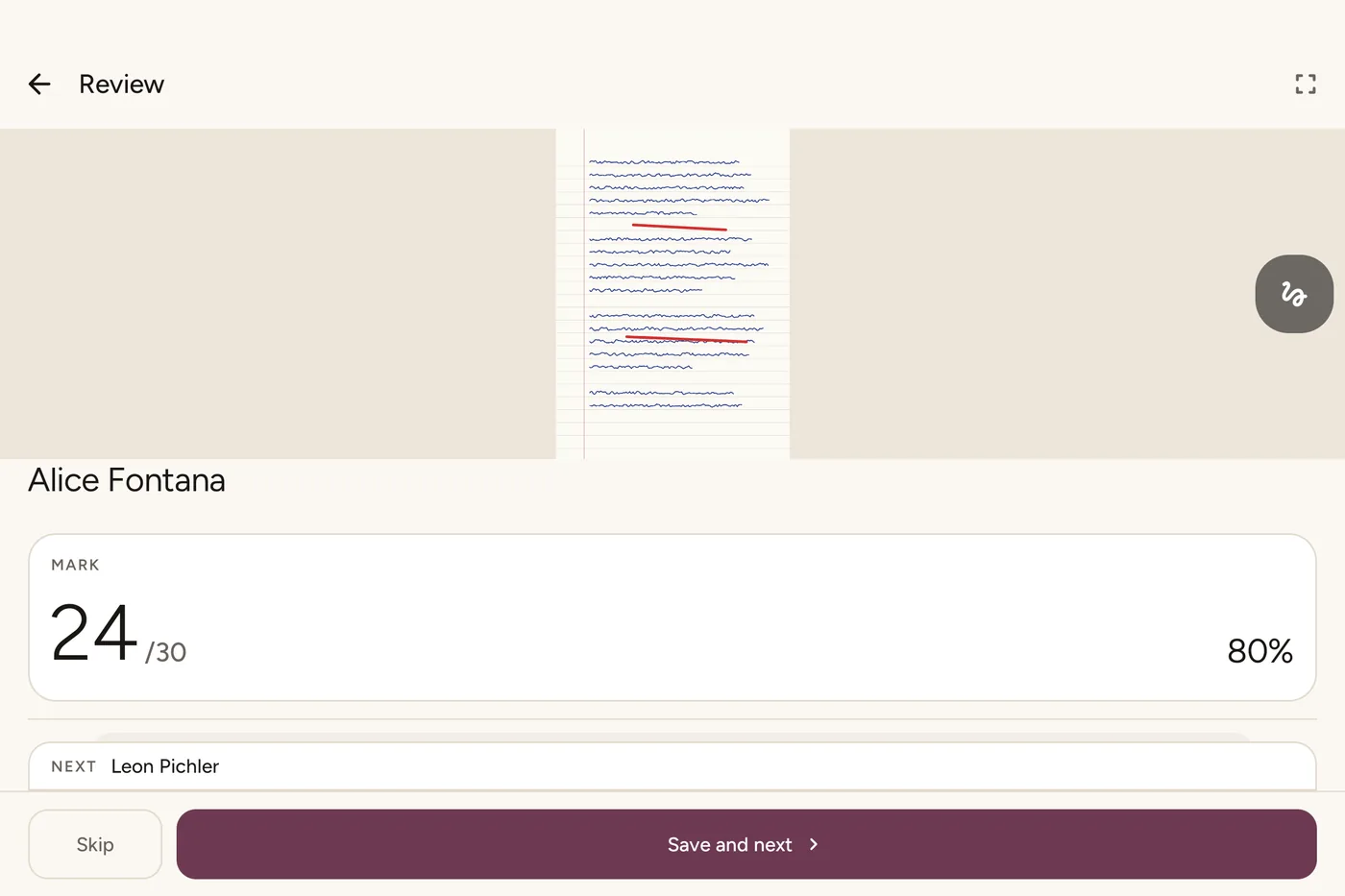
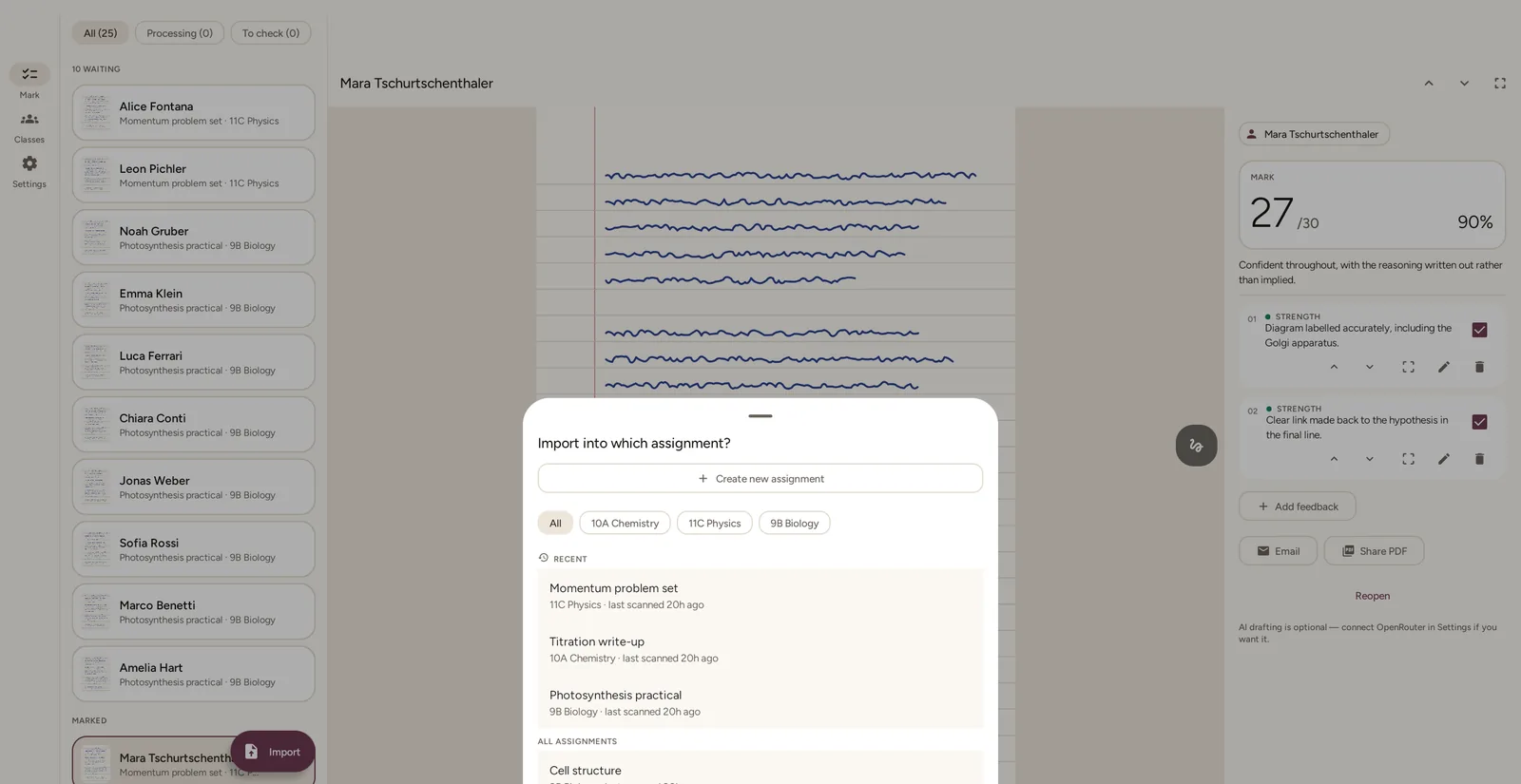
Same bundle, same data, laid out for the glass it is on. Pick one.
Or drag the right half of the screen.
Or drag the upper half up and down.
Slate Pro
Everything a teacher needs to mark is free and stays free. Pro adds the paperwork around it, bought once and kept, including Pro features added later.
Free, always
Free
What Pro adds
One payment
Never a subscription. No server, so nothing to bill you for again.
Term reports
One page per pupil for the term, built on your device from the marks and comments you already wrote.
The whole class at once
Every pupil's report in one pass, with your school's logo on the PDFs.
Parents' evening mode
A card per pupil to talk from: standing, trend, strengths, targets.
Question-by-question marking
Mark per question, and see which one the class dropped.
Rubrics and templates
Criteria with bands, scored and totalled. Save a structure and reuse it next year.
Target grades and an intervention log
A target per pupil, who is on track, and a dated note for each thing you did.
Cohorts
Compare classes, follow a group across years.
The price is shown inside the app, in your currency. Bought on one device, restored on the next with the same Google account.
Questions
No. Install it and mark. There is no sign-up, no email, nothing to verify. The only account that ever comes into it is the OpenRouter one you may choose to connect for the optional AI help, and that is yours, not ours.
Into the app's own storage on your device, and nowhere else. Slate has no server. A page only leaves when you share a feedback PDF, or when you ask a connected AI model to write out a page, and you do both deliberately. Backups carry your markbook, not the pages.
Slate charges nothing for it. You put credit on your own OpenRouter account and pay the model provider directly; a class set costs less than a coffee with most models. Without a key the app is a complete markbook on its own.
Android phones from Android 8, tablets, foldables, Chromebooks and PCs through Google Play, and Android XR headsets. One install, laid out for whichever screen it is on.
No. Settings has an export that writes everything, classes, pupils, assignments, scores and comments, to a file you choose. Pages and ink stay on the device by design.
Free on Google Play
Install Slate, photograph the first set, and mark it tonight. Nothing to sign up for, and every page stays on your device.
Diagram labelled accurately, including the Golgi apparatus.
Units missing on the final two measurements.
Clear link made back to the hypothesis in the final line.